Student Showcase · AI-Assisted Game Development
Mason L. vibe coded a 3D battle royale.
Gliding drops, drivable buggies, 20 bot opponents and a closing storm — all built by ByteBear student Mason L. working with an AI coding assistant. Here's what Mason made, and what it shows about how kids can create with AI.
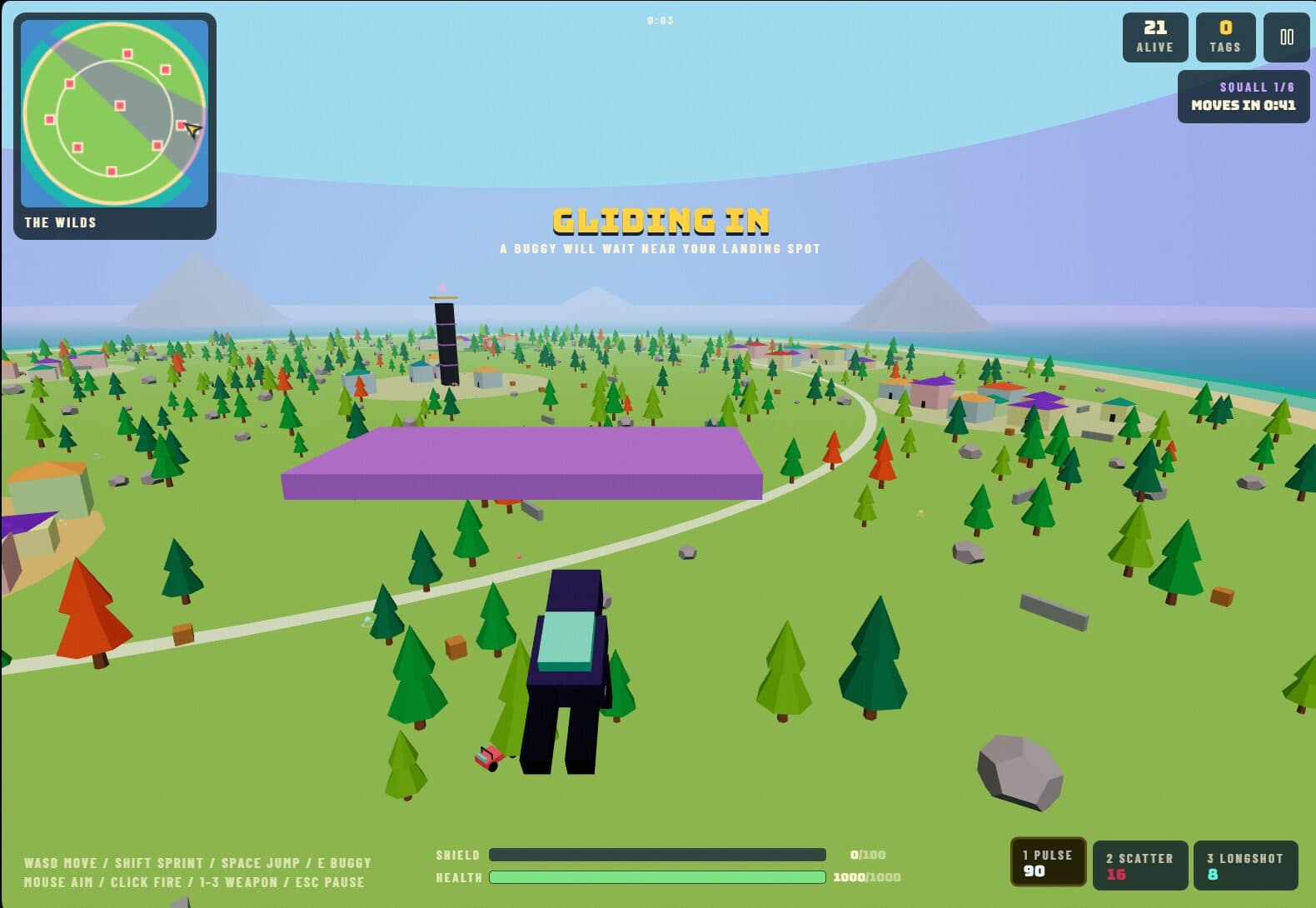
3D world
Procedural forests, villages, rocks, roads and a coastline.
Vehicles
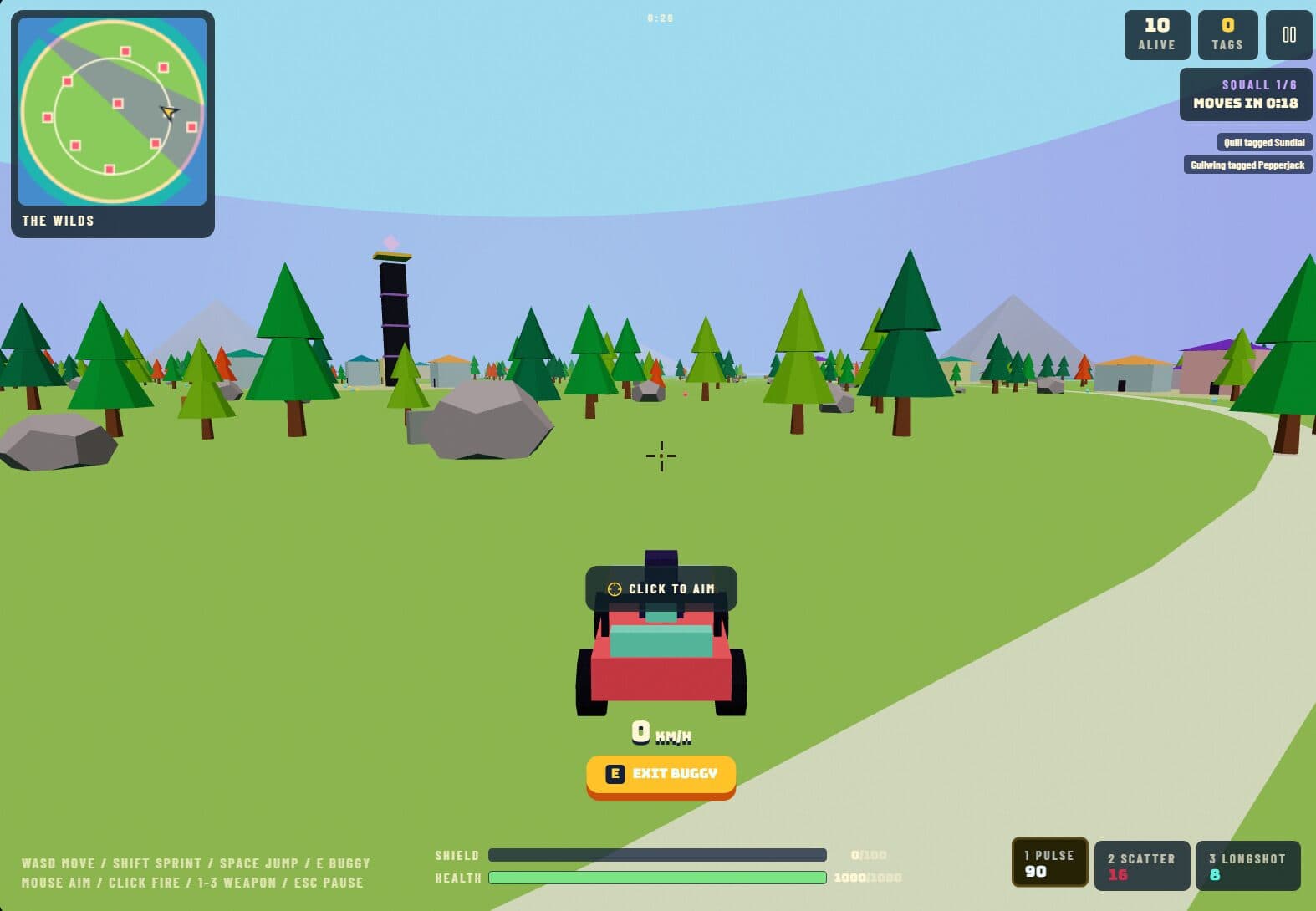
Enterable buggies with their own driving controls.
Bot AI
21-player matches against computer opponents.
Game systems
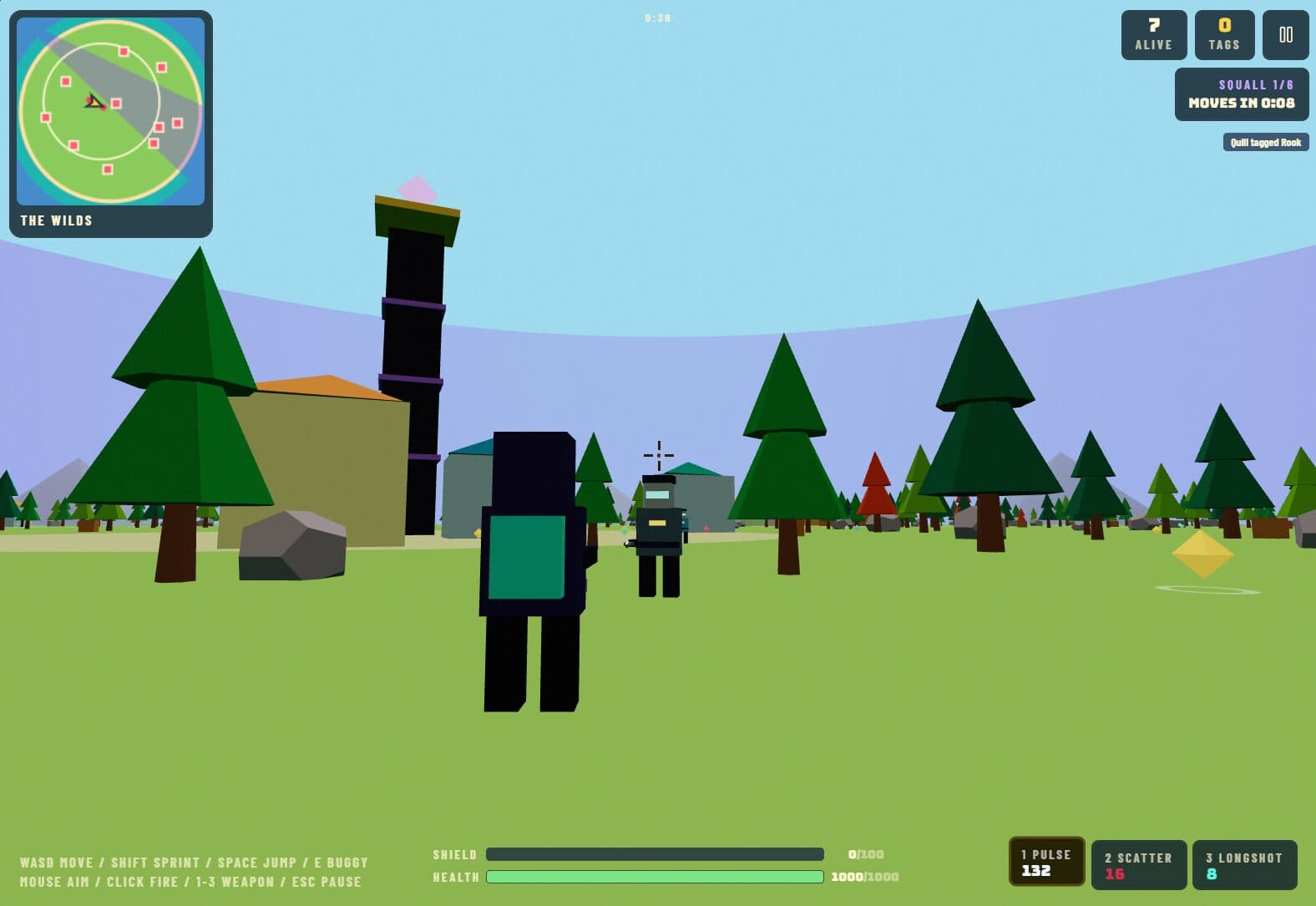
Shield, health, weapons, a shrinking zone and a full HUD.
One match, start to finish
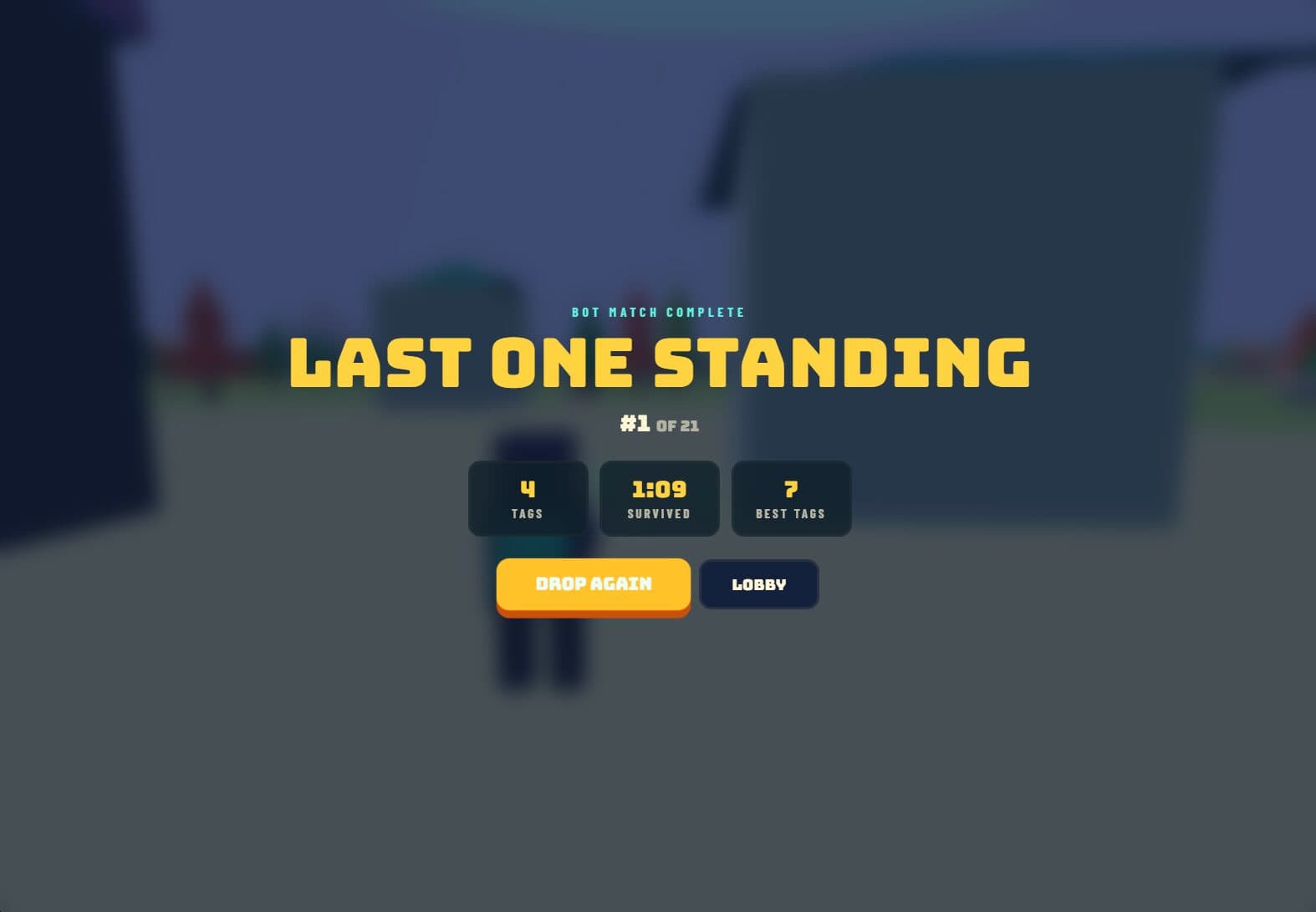
Every screen below is from Mason's game, captured during a single bot match. Try it yourself.
How it works
AI writes code. Kids make the game.
“Vibe coding” means building software by describing what you want to an AI and steering it toward your vision. Done well, it isn't a shortcut around learning — it's a way to reach ambitious projects sooner and learn design, debugging and systems thinking along the way.
Start with the idea
Students write down the game they want to play — the genre, the feel, the rules — before any code exists.
Direct the AI
They describe each feature to an AI coding assistant in plain language, then read, run and test what it produces.
Playtest and iterate
Bugs, balance and polish come from playing the game, spotting what's off and asking for precise changes.
Own the result
The design decisions are the student's. The AI is a fast pair of hands; the vision, taste and judgement are theirs.
Your child could build this next.
Our Game Design and AI & Coding programs turn big ideas into playable games.